






Microsoft IIS Monitoring: What Are the Most Critical IIS Alarms?
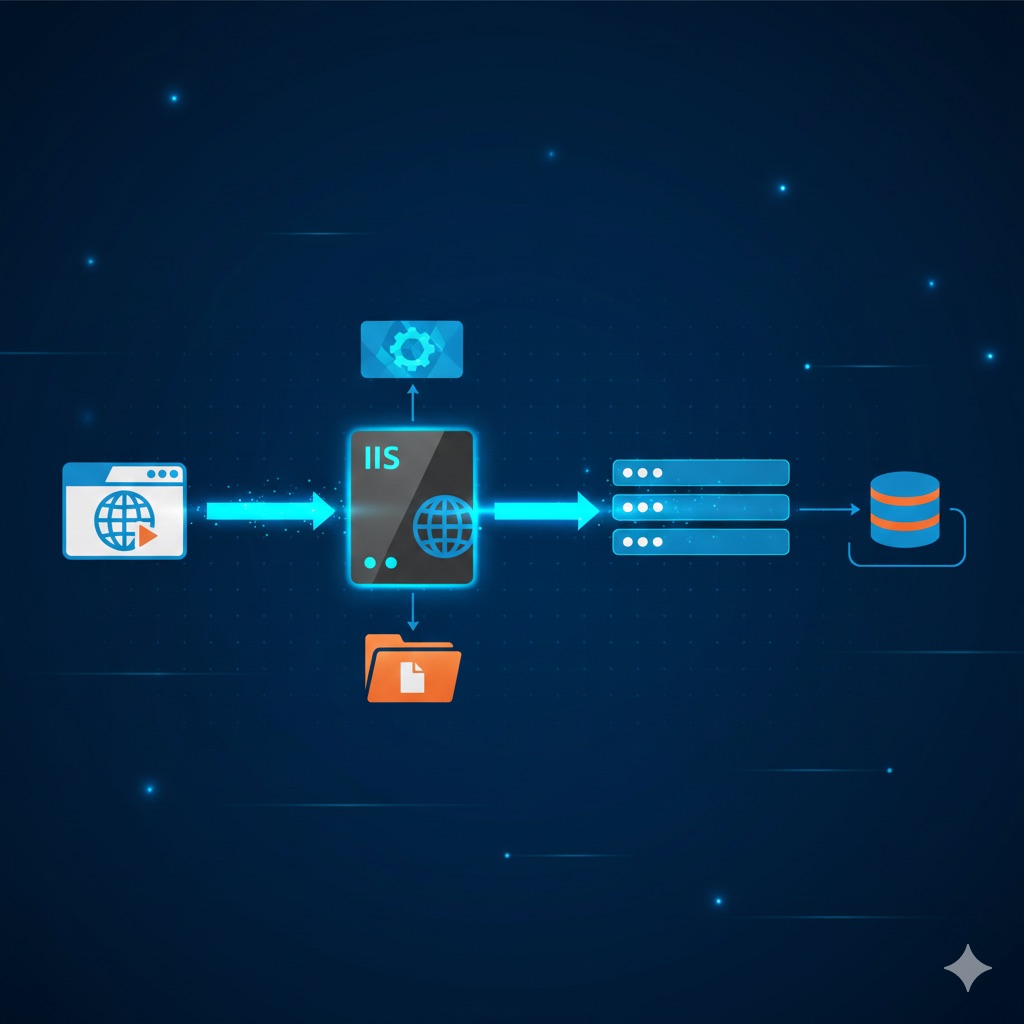
Key Features include:
- Protocol Support: It can be used not only for web pages (HTTP/HTTPS) but also for file transfer (FTP), email (SMTP), and newsgroups (NNTP).
- Modular Structure: By not loading unnecessary features, it ensures the server runs lighter and more securely.
- Management: Its graphical interface makes management more visual compared to other web servers (e.g., the command-line structure of Apache or Nginx).
Why is IIS Important?
There are several key reasons why it is so widespread and important in the corporate IT world:
- Full Compatibility with the Windows Ecosystem: It works “out-of-the-box” integrated with Microsoft technologies (Windows Server, Active Directory, SQL Server).
- Standard for ASP.NET: If your company develops .NET-based (C# etc.) web applications, it is the most optimized and performant platform for publishing them.
- Security and Authentication: It naturally supports advanced authentication methods used in corporate networks, such as “Windows Authentication.” This allows users to access internal applications without repeatedly entering passwords.
- Application Pools: Each website can run in a separate “pool.” This means if one website crashes, other websites on the server are not affected and continue to operate.
Can SolarWinds Monitor Microsoft IIS?
Yes, absolutely. SolarWinds performs very in-depth monitoring of Internet Information Services. It goes beyond just answering “Is the server up or down?” and delves into performance details.
What Can You Monitor with SolarWinds?
SolarWinds can continuously track the critical parameters listed below on Internet Information Services and send you an alert in case of an issue:
- Service Status: Whether critical services like World Wide Web Publishing Service (W3SVC) and Admin Service are running.
- Application Pools: Which pools are stopped, and which are consuming too much CPU or RAM.
- Website Statistics:
- Connection Count: How many users are currently connected?
- Traffic: Amount of incoming and outgoing bytes.
- Error Codes: The rate of increase for errors like 404 (Not Found) or 500 (Server Error).
- SSL Certificate Tracking: Warns you before your website’s security certificate expires (this is a very critical feature).
- Response Time: How quickly the server responds to users.
In Summary: SolarWinds continuously generates a “health report” for your Internet Information Services server, enabling you to intervene before a bottleneck occurs (e.g., memory leak or overload).
Critical IIS Alarms to Configure in SolarWinds
The table below shows which parameters you should set alarms for in SolarWinds and their recommended threshold values:
| Priority | Alarm Name | What It Does? | Recommended Trigger Condition |
|---|---|---|---|
| 1 (Critical) | Application Pool Status | If an App Pool stops, the associated website completely shuts down. | If the status changes to anything other than "Running" |
| 2 (Critical) | SSL Certificate Expiration Time | Users get a "Not Secure" warning if the certificate expires. | Warn 30 days and 7 days before expiration. |
| 3 (High) | High Response Time | Indicates the site is slow and hard to use. |
Above 2000ms → “Warning” Above 5000ms → “Critical” |
| 4 (Medium) | HTTP 5xx Error Rate | Shows server is returning “Error” responses. | If more than 5% of requests return 5xx errors. |
| 5 (Medium) | Worker Process (w3wp.exe) CPU/RAM Usage | Prevents a site from consuming all server resources. | CPU >85% or RAM >90% longer than 5 minutes. |
Why Are These Alarms So Important?
Why Do App Pools Crash?
This is the most common issue. A software error (code error) can cause an App Pool to protect itself and shut down (Rapid Fail Protection). SolarWinds’ “AppInsight for IIS” feature not only tells you that the pool has stopped but can also pull logs to show you why it stopped.
SSL Oversight
This is one of the most frequently forgotten issues by IT teams. SolarWinds continuously scans the URL to check the certificate date. This eliminates the need for manual notes in your Outlook calendar.
5xx Errors (Invisible Problems)
Sometimes services appear to be running (green light is on), but a database connection might be broken, preventing users from performing actions. In this case, the user receives a 500 error. Service-based monitoring cannot detect this, but SolarWinds catches it with HTTP Error Monitoring.
When setting up alarms in SolarWinds, remember to add “Sustain Time.” For example, if CPU hits 90%, don’t alarm immediately; if this condition persists for 5 minutes, then trigger the alarm. This prevents you from being bothered by momentary spikes unnecessarily.
For all your monitoring needs, ODYA Teknoloji’s expert team is with you! Fill out the form, and we’ll call you!