






Event Log Monitoring: Why Should You Monitor Logs?
Event Log Monitoring is the process of centrally collecting, analyzing, and reporting on the “log records” generated by operating systems, applications, and hardware within an IT infrastructure. Just as a plane’s “black box” is essential, event logs serve the same purpose for IT systems. Neglecting event log monitoring is like flying a plane without an instrument panel—you have no idea what’s happening inside the system. When this process is ignored, the resulting issues extend beyond technical problems to financial and legal dimensions. We’ve detailed why this process is critical and what can be achieved with professional tools like SolarWinds.
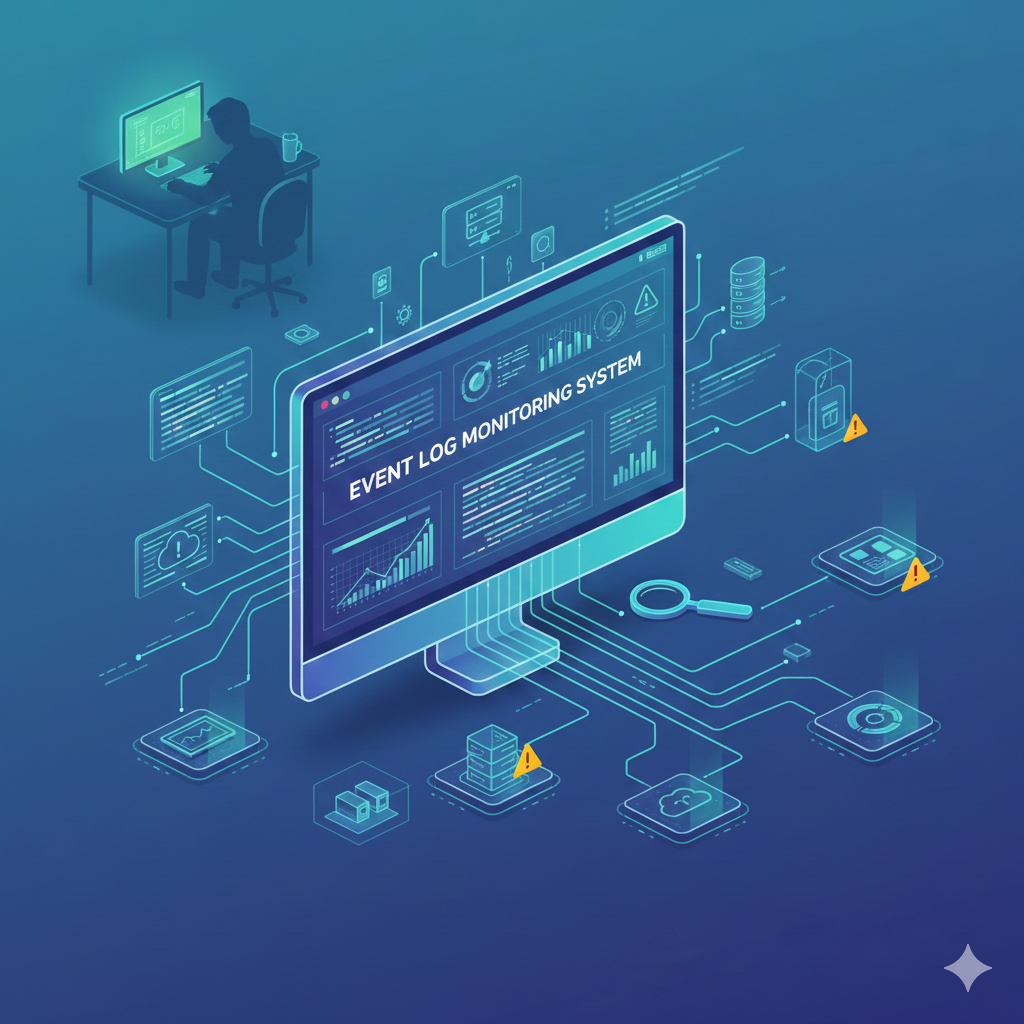
What is an Event Log?
An Event Log is a digital “logbook” or “black box” that records every significant event in a computer system, network device, or software in a standardized and chronological manner.
It captures everything from user logins to application errors, hardware failures, and security breaches. Each log entry includes the following key components to enable analysis:
- Timestamp: The exact second when the event occurred.
- Event ID: A unique number identifying each event (e.g., in Windows, 4624 indicates a successful login).
- Source: The software or system component that generated the record.
- Level/Severity: The event’s importance level (Information, Warning, Error, Critical).
- User and Computer: The user and device on which the action was performed.
- Description: Text detailing the event (e.g., “Service X was stopped”).
Basic Event Log Types
Systems typically categorize and store logs as follows:
On Windows:
- System: Generated by operating system components (driver errors, system startup/shutdown, etc.).
- Security: Related to security policies (login attempts, file access permissions).
- Application: Error or informational messages from installed software (SQL, Web Server, custom applications).
On Linux (Syslog):
Why is Event Log Monitoring Important?
Logs are the footprints of every minor activity in a system. Event logs act as the memory of the IT world. Keeping this memory alive with tools like SolarWinds allows you to catch issues before they escalate. Monitoring them is vital for the following reasons:
- Security and Threat Detection: Suspicious login attempts, privilege escalation efforts, or data exfiltration are often first visible in logs.
- Rapid Problem Resolution (Root Cause Analysis): When a system crashes, the answer to “why” lies in the logs. Log monitoring lets you pinpoint the source in seconds.
- Legal Compliance: Standards like KVKK, GDPR, PCI-DSS, and ISO 27001 mandate secure storage and auditing of system logs for a specified period.
- Proactive Intervention: Systems often generate “warning” level logs before a critical failure. Monitoring allows intervention before collapse.
Which SolarWinds Modules Support Log Monitoring?
SolarWinds is a market leader in monitoring and offers several modules for log monitoring:
| Module Name | Function |
|---|---|
| Log Analyzer | Monitors logs in real-time, filters them, and visualizes data using graphs. Ideal for network and server log analysis. |
| Server & Application Monitor (SAM) | Tracks application-specific logs (SQL, IIS, etc.) and correlates them with application performance metrics. |
| Security Event Manager (SEM) | A full SIEM solution focused on security. Analyzes logs through correlation and provides automated responses such as blocking users. |
What Problems Arise if Event Logs Are Not Monitored?
Leaving logs unmanaged is like operating your system in the dark. Key issues include:
- Invisible Threats: An attacker could infiltrate your system and silently steal data for weeks without detection.
- Prolonged Downtime: Manually checking logs (e.g., opening Event Viewer one by one) when a service fails can take hours, leading to business losses.
- Legal Risks: In a data breach, failure to provide logs can result in severe penalties and fines.
- Capacity Issues: Warnings about filling disks or overloaded processors appear in logs. Without monitoring, the system freezes unexpectedly.
Which Problems Signal the Need for Log Monitoring?
If your system shows these signs, it’s time to adopt a professional log monitoring solution:
- Unexplained User Lockouts: Accounts locking unexpectedly (possible brute-force attack).
- Performance Degradation: Servers slowing down despite normal metrics (CPU/RAM), potentially due to faulty background applications in logs.
- Recurring Service Failures: A service (e.g., Print Spooler or IIS) repeatedly crashing and restarting.
- “Who Did It?” Questions: Inability to identify who performed actions like file deletions or permission changes.
- Audit Anxiety: Panicking about missing historical logs before an audit.
If you’re using a specific operating system or application (Windows Server, SQL Server, etc.), start by creating an alarm list of key Event IDs to track in SolarWinds! For all your Log Monitoring needs, fill out the form at the bottom of the page to get in touch instantly.